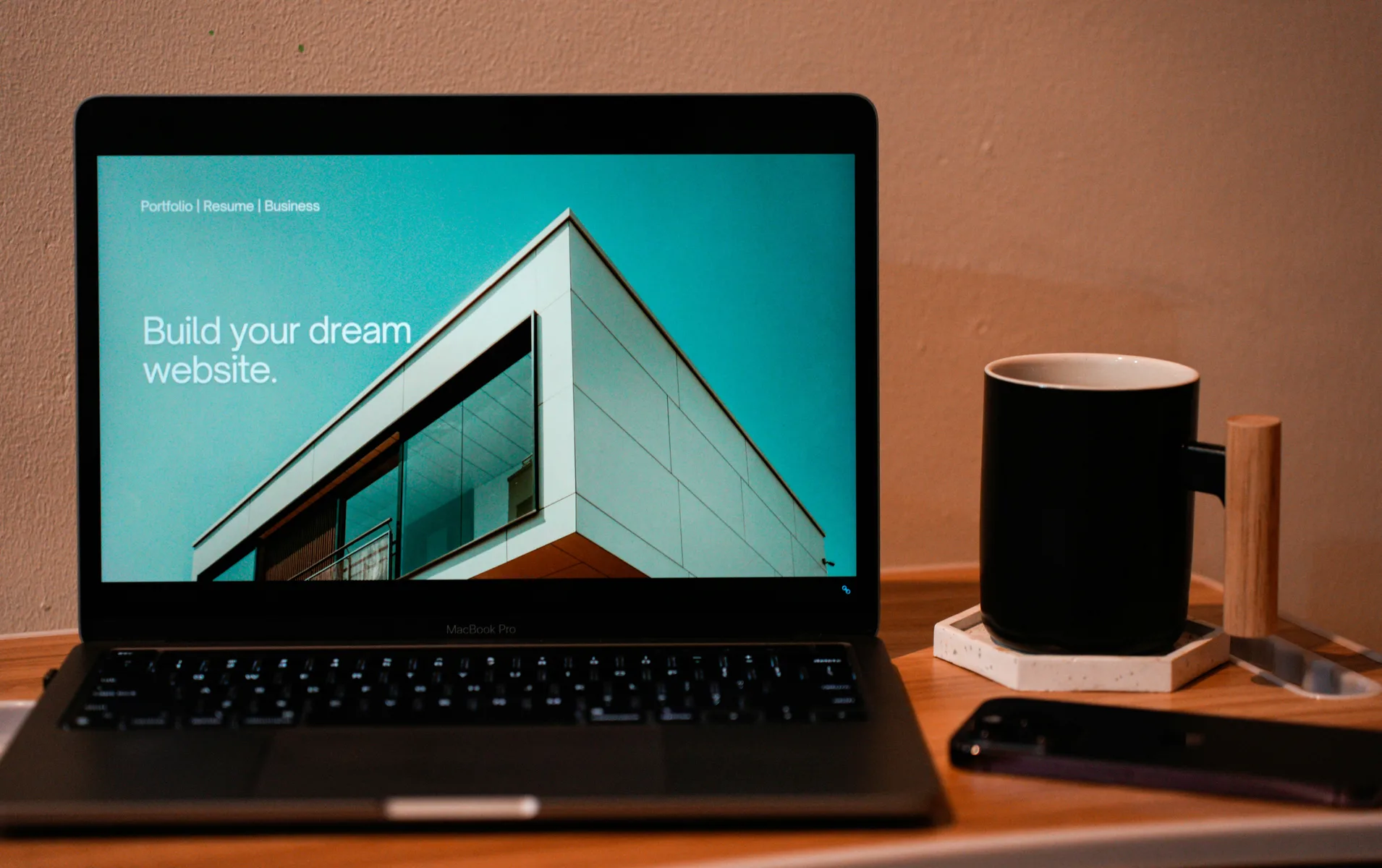
Let's be honest: the phrase "build a website" triggers immediate dread for most people. You're picturing DNS records, CSS nightmares, and that drag-and-drop editor that refuses to put your logo where you actually want it. For years, getting online meant either spending weeks on YouTube tutorials or dropping $3,000 on a freelance developer.
That's the problem we set out to solve with SiteBotStudio. We wanted to collapse the gap between "I need a website" and "My website is live" down to a single afternoon. No jargon. No twelve-step setup wizards. Just a conversation with an AI that actually understands what you're trying to build.
Why Traditional Builders Fail Beginners
Most website builders are glorified digital scrapbooks. They hand you a blank canvas, a pile of widgets, and a "good luck" pat on the back. If you don't already know the difference between a hero section and a call-to-action block, you're going to spend hours Googling design principles instead of actually building.
SiteBotStudio works differently. Instead of making you learn our interface, we built an interface that learns you. You don't hunt through dropdown menus to change fonts—you just tell the AI what feeling you're going for.
Try this: "Make this look like a high-end law firm—minimalist, authoritative, trustworthy." The AI immediately switches to serif fonts, increases whitespace, and shifts your color palette to deep navy and slate grey. You're not picking from templates. You're art directing.
Your Step-by-Step Path from Blank Page to Live Site
Here's exactly what happens when you start from zero with SiteBotStudio.
Step 1: Pick Your Starting Point
We give you a library of templates built for specific use cases: consulting firms, photographer portfolios, SaaS landing pages, online courses, local service businesses. These aren't just pretty layouts—they're conversion-optimized structures based on what actually works in each industry.
Choose the one closest to your goal. You'll customize everything in the next steps, but starting with the right bones saves you hours of layout decisions.
Step 2: Have a Conversation (This Is Where It Gets Good)
Once your template loads, the AI asks you about your business. Not in a robotic form-filling way—in an actual back-and-forth conversation.
Real example: Let's say you're a business coach offering three service tiers. Instead of manually building a pricing table and guessing at button colors, you type:
"I have three coaching packages: Basic at $500, Pro at $1,200, and Executive at $3,000. I want Pro highlighted as the most popular option with a gold accent."
The AI doesn't just drop in text. It builds the visual hierarchy, adds a "Most Popular" badge, adjusts the button styling, and positions everything to drive clicks toward your preferred tier. You're describing what you want in plain English, and the AI is translating that into professional design.
Step 3: Dial In Your Brand
The AI handles structure and layout, but you stay in control of the aesthetic. Swap colors, adjust fonts, upload your logo. If you already have brand guidelines, paste in your hex codes. If you don't, the AI suggests palettes based on the tone you described earlier.
This is also where you can upload images. The AI automatically crops and optimizes them for fast loading—no need to resize files in Photoshop before uploading.
Step 4: Add Your Content (Without the Formatting Headache)
Content is where most DIY websites die. You paste in a wall of text, and suddenly your beautiful template looks like a Microsoft Word doc from 2003.
SiteBotStudio fixes this with smart formatting. Paste in your raw notes, and the AI breaks them into scannable sections—adding subheadings, bullet points, and proper spacing. It's like having a copyeditor built into the platform.
Step 5: SEO Setup (Automated, Not Intimidating)
A gorgeous website is worthless if no one can find it on Google. Traditional SEO requires hours of research and technical tweaking. SiteBotStudio automates the essentials:
- Meta titles and descriptions optimized for search engines
- Alt text automatically generated for every image
- Mobile-responsive design (Google penalizes sites that don't work on phones)
- Fast loading speeds baked into the infrastructure
You're not an SEO expert, and you don't need to be. The AI handles the technical checklist so you can focus on your actual business.
Pro tip from our team:
The biggest mistake beginners make is spending three weeks perfecting a single page before launching. Get your site live in a day, then improve it based on real feedback. SiteBotStudio makes updates just as easy as the initial build—you're never locked into your first draft.
What This Actually Looks Like in Practice
Let's say you're a freelance graphic designer who needs a portfolio site. You've been putting it off for months because the idea of "building a website" feels overwhelming.
With SiteBotStudio, here's your Saturday afternoon:
- 1:00 PM: You pick the "Creative Portfolio" template and tell the AI you want a bold, colorful aesthetic that shows off your design work.
- 1:30 PM: You upload ten of your best projects. The AI creates a grid layout and optimizes the images.
- 2:15 PM: You write a quick bio and paste in your contact info. The AI formats it into a clean "About" section.
- 2:45 PM: You preview the site on mobile, tweak two colors, and hit publish.
- 3:00 PM: Your portfolio is live. You share the link on LinkedIn and land a client inquiry by Monday.
That's not a fantasy scenario. That's the actual workflow our users report. No coding. No design degree. Just a clear idea and a tool that gets out of your way.
The Bottom Line
The technical barrier to getting online has finally collapsed. You don't need to be a developer or hire a designer to have a professional web presence. Whether you're a freelancer testing a side hustle, a small business owner who's been procrastinating for years, or a creator who just needs a home base on the internet, the only thing standing between you and a live website is an afternoon and a willingness to try.
SiteBotStudio isn't about replacing your creativity—it's about removing the friction that's been blocking it. You bring the vision. We'll handle the rest.
Ready to go from zero to live?
Start building with the AI website builder that actually understands what you're trying to create.
Start Your Free Trial